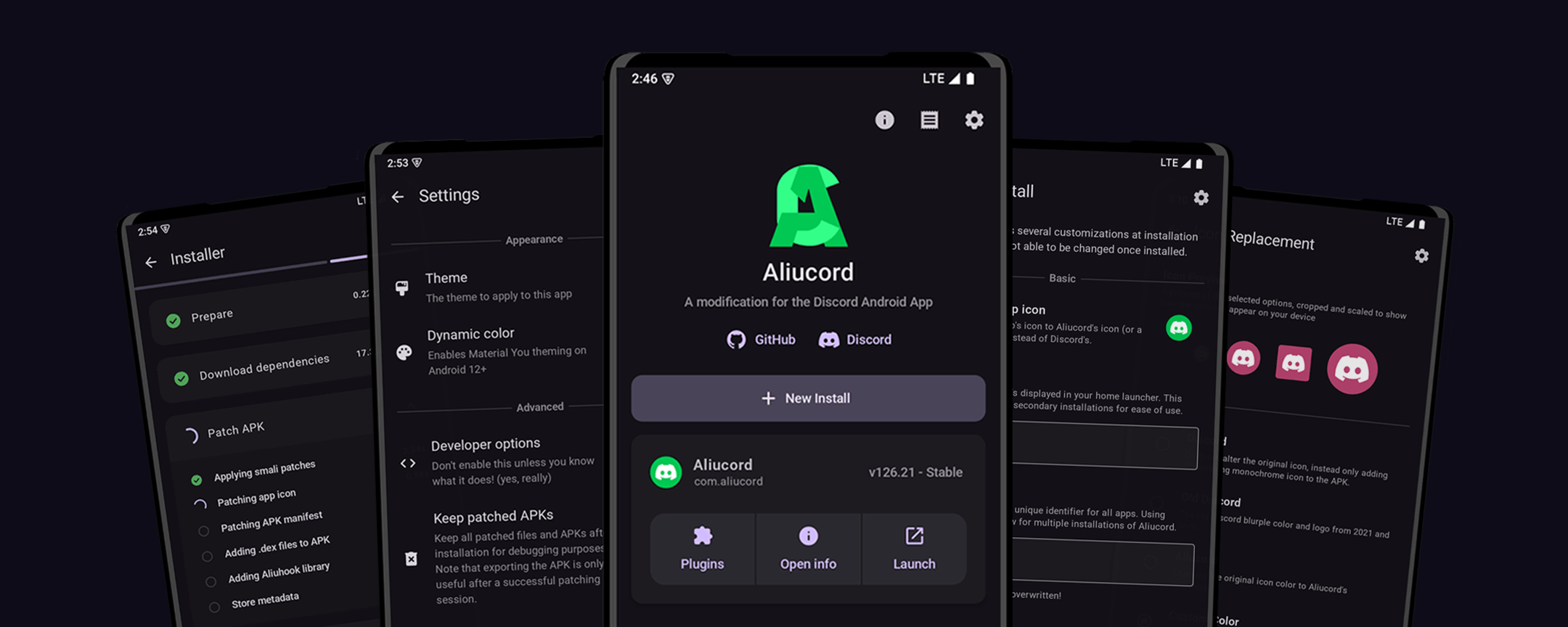
Aliucord Manager
The new method to install Aliucord, in a user-friendly way.
[](https://discord.gg/EsNDvBaHVU)
[](https://github.com/Aliucord/Manager/stargazers)
[](https://nightly.link/Aliucord/Manager/workflows/android/main/app.zip)


[](https://github.com/Aliucord/Manager/blob/main/LICENSE)
## Prerequisites
Supported Android versions:
- Android 7 (SDK 24) - Android 16 QPR1 (SDK 36)
- Architectures: arm64, armeabi-v7, x86_64, x86
If you have already installed Aliucord before via the old installer app, you can uninstall the
legacy installer. It is deprecated and does not work anymore.
## Installation
1. Download the [latest release APK](https://github.com/Aliucord/Manager/releases/latest)
2. Open and install Aliucord Manager
- If you have not enabled "Install from unknown sources" for your browser via system settings, do so now.
3. Open Aliucord Manager
4. Grant the permission requests
5. Click "New Install"
- You may change how the Aliucord app icon will look once installed.
6. Click "Install" and wait. Do not exit the app while it is running.
- If a failure occurs, it may be due to a variety of reasons:
- Poor internet connection
- Internet censorship / blocks (use a VPN or a different DNS server)
- Insufficient free storage (at least 500MB is recommended)
- If you are stuck, please ask for help in the `#support` channel of our [Discord](https://discord.gg/EsNDvBaHVU0).
7. Click "Launch" or directly launch the newly installed Aliucord app
8. Grant the permission requests
9. Sign in to Discord
10. Install plugins by following these [instructions](https://github.com/aliucord/aliucord#-plugin-installation)
## Building
1. Install the prerequisites:
- Git
- [JDK 21+](https://adoptium.net/temurin/releases/?os=any&arch=any&version=21)
2. Clone the repo:
```shell
git clone https://github.com/rushiiMachine/Manager && cd Manager
```
3. Build the project:
#### Linux/macOS
```shell
chmod +x gradlew && ./gradlew :app:packageStaging --stacktrace
```
#### Windows
```shell
.\gradlew.bat app:assembleDebug
```
4. Built APK will be located at `./app/build/outputs/apk/staging/app-staging.apk`
## Translations
This project handles crowd-sourced translations through Crowdin! If you happen to be fluent in one of the languages listed below,
then please feel free to contribute your translations!
[](https://crowdin.com/project/aliucord-manager)